Chat
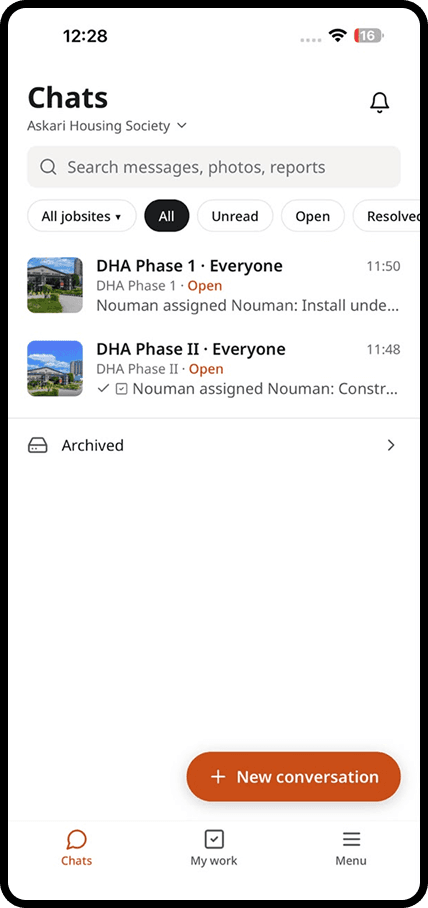
One conversation for each site and topic
Give every jobsite its own conversations, by topic. Your crews talk, send photos and voice notes as they already do, and the history stays with your company.
How does it work?
Chat in four steps
Create a conversation for each site
Open a jobsite, then add conversations for the topics that matter: concrete, MEP, safety, the client. Everyone knows where to post.
Add your team and your guests
Invite your staff by phone number. Clients, consultants and suppliers join as guests and only see the conversations you choose.
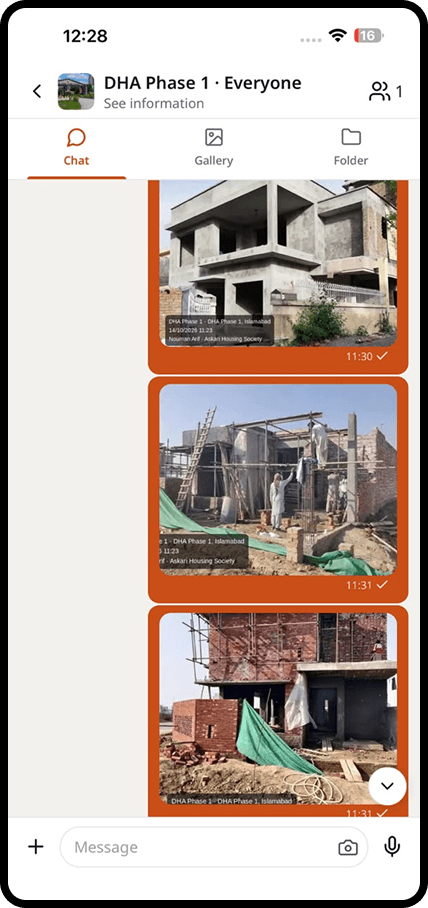
Share photos, voice notes and files
Photos are stamped with time, place and floor. Voice notes are written out and translated. Files open on any phone.
Work offline, send later
No signal in the basement? Keep working. daftar sends everything in the right order when the phone is back online.
In detail
What you get with chat
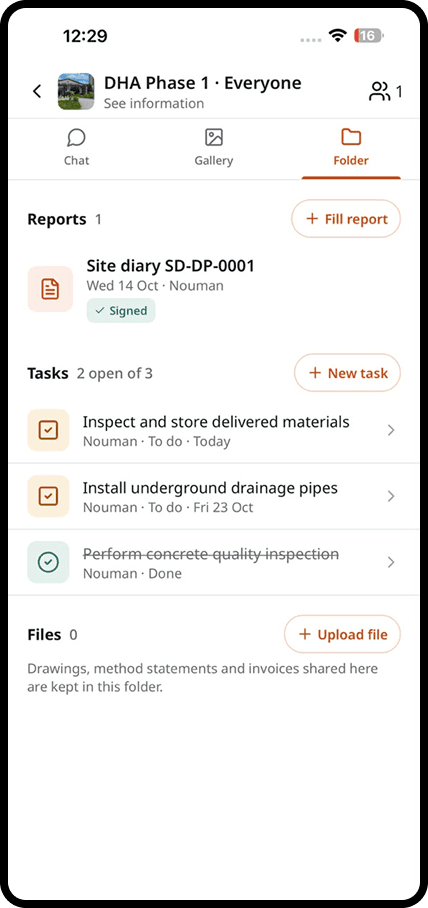
Separate conversations by topic
Keep the slab pour, the electrics and the client apart, so nobody scrolls through 300 messages to find one answer.
Voice notes in any language
Crews speak in their own language. Everyone else reads the voice note as text, translated into theirs.
Pin what was decided
Pin a decision to the top of the conversation so it is never lost in the chat.
Keeps working without signal
Messages and photos are saved on the phone and sent in order when signal comes back.
Explore
Discover the 7 tools
Getting started
We set you up on your first site
Our team helps you create your sites, invite your people and set up your report forms. After that, we are one message away.
Bring the site and the office back together
Apps for iPhone and Android, and a web dashboard for the office.