Planning
Tasks on the drawing, tracked until they are done
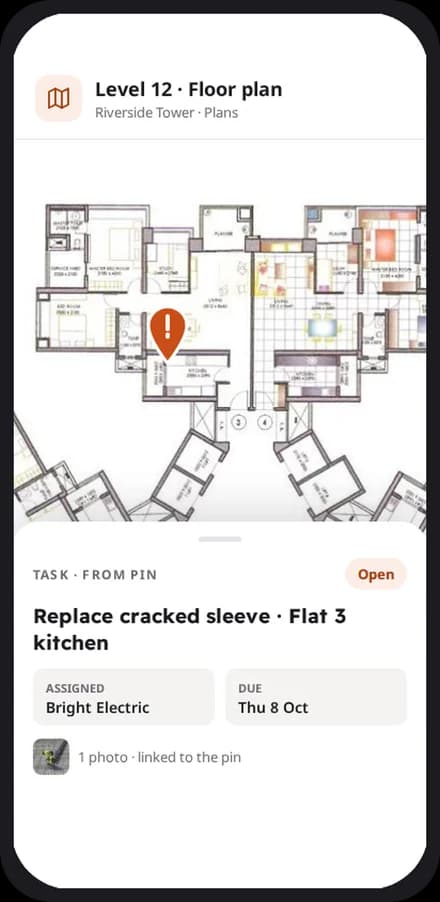
Pin a snag or a job on the drawing. It becomes a task with an owner, a due date and a photo, and you can follow it until it is closed.
How does it work?
Planning in four steps
Open the drawing
Upload your plans and open them on the phone, at full detail.
Drop a pin
Mark the snag or job on the plan, add a photo and a short note.
Assign it
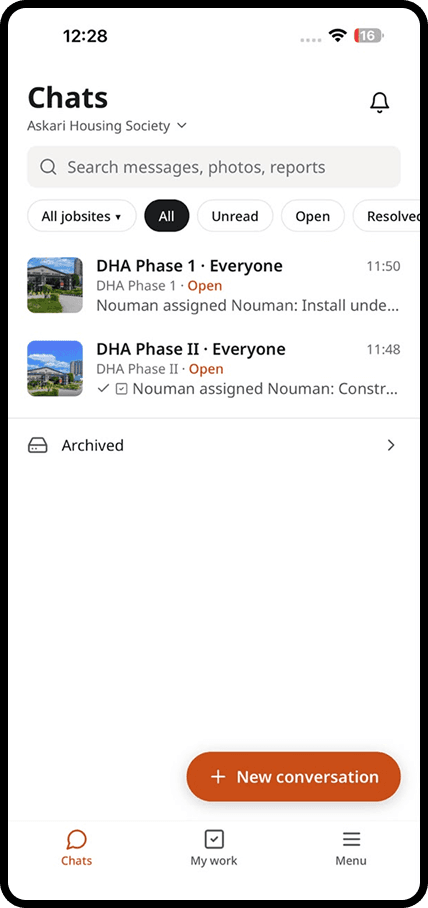
Choose who is responsible and when it is due. They are notified straight away.
Close it with proof
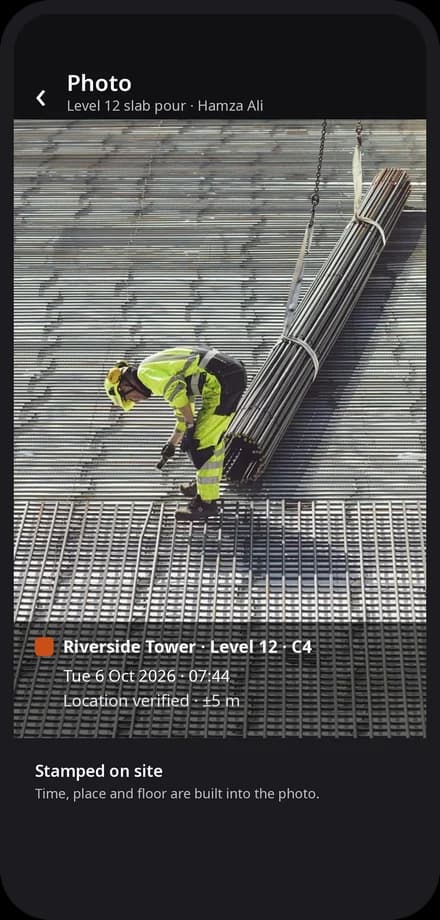
The task is closed with a stamped photo, and the history stays on the pin.
In detail
What you get with planning
Pin it on the plan
Tap the exact spot on the drawing where the work is needed.
Give it an owner and a date
Every task has one person responsible and a clear due date.
Proof when it is done
The person who finishes the task adds a photo, so you can see it was done right.
See what is late
The office and the owner see overdue tasks across every site.
Explore
Discover the 7 tools

Getting started
We set you up on your first site
Our team helps you create your sites, invite your people and set up your report forms. After that, we are one message away.
Bring the site and the office back together
Apps for iPhone and Android, and a web dashboard for the office.