Files
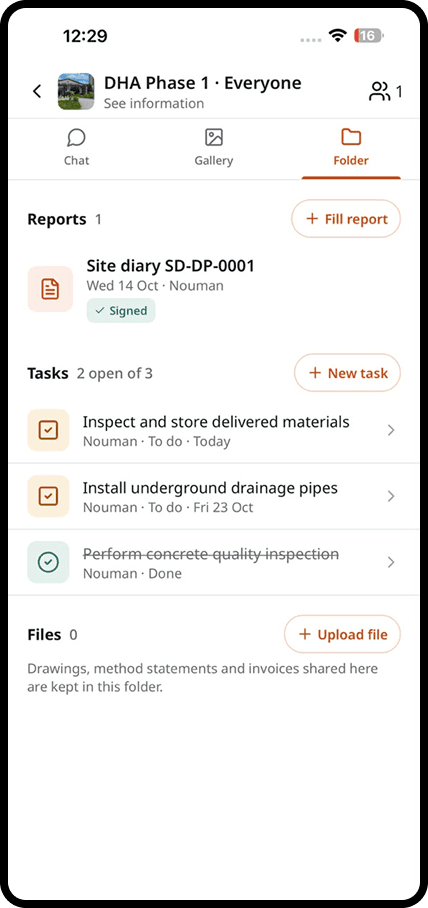
Drawings, permits and photos for every site
Keep drawings, permits, reports and photos with the site they belong to. Your team always opens the latest version, on site or in the office.
How does it work?
Files in four steps
Upload once
Add drawings, permits and documents from the office or from the phone.
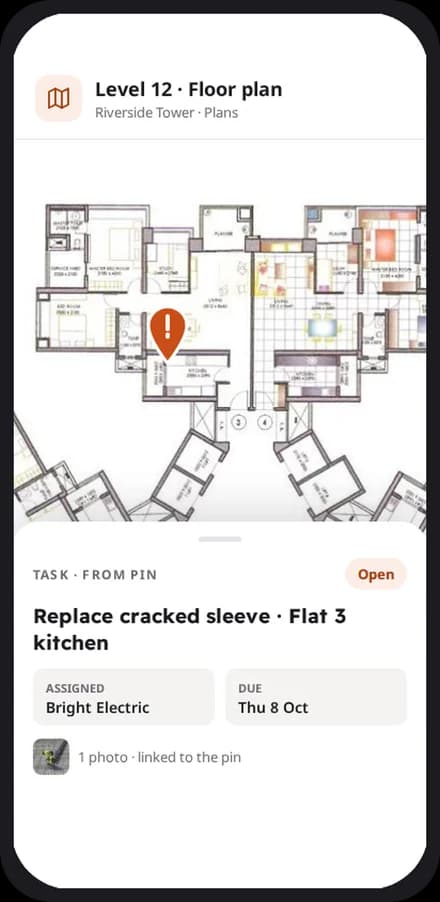
Everyone gets the latest
When a drawing changes, the new revision replaces the old one on every phone.
Reports file themselves
Every signed report and photo lands in the right site folder without anyone moving it.
Find anything in seconds
Search by name, date or site, and open the file on any device.
In detail
What you get with files
A folder for every site
Drawings, permits, reports and photos are organised by site, automatically.
Always the latest drawing
Upload a new revision and everyone sees it. Older versions stay on record.
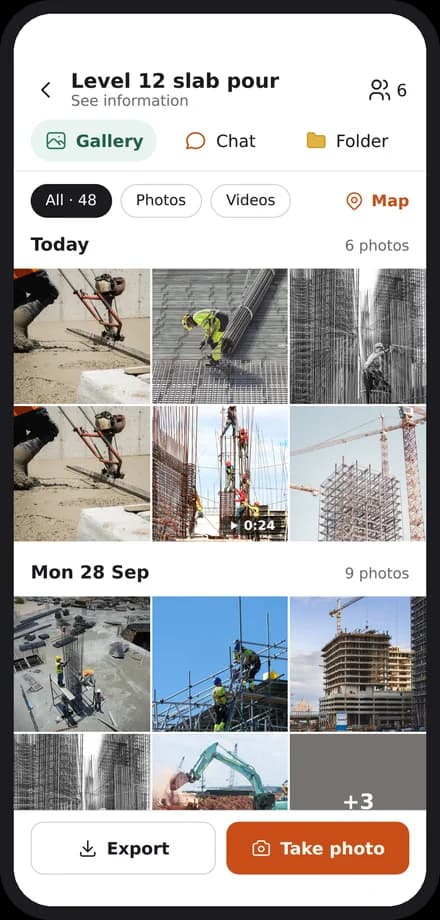
Photos ready for a claim
Photos are sorted by date and location, so you can build evidence for a claim in minutes.
Share with guests
Give a client or consultant access to the documents they need, and nothing else.
Explore
Discover the 7 tools

Getting started
We set you up on your first site
Our team helps you create your sites, invite your people and set up your report forms. After that, we are one message away.
Bring the site and the office back together
Apps for iPhone and Android, and a web dashboard for the office.