Integrations
Works with the tools your office already uses
daftar fits around the way your office already works. Export reports, send files to your company storage and connect your own systems.
How does it work?
Integrations in four steps
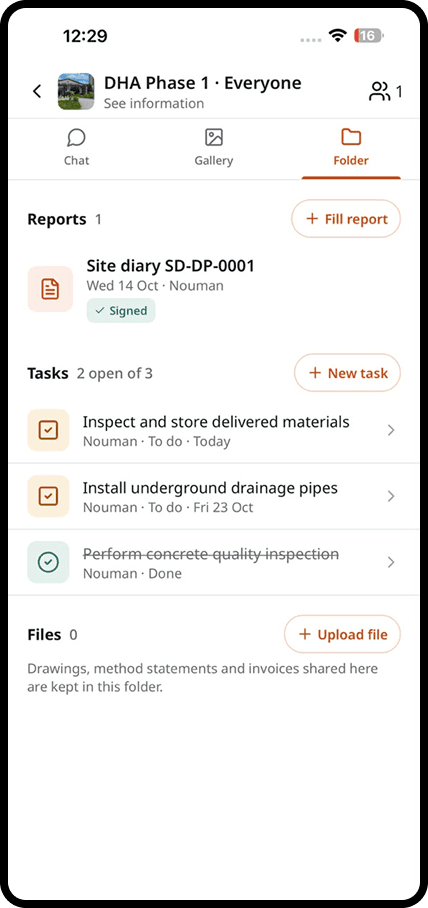
Choose what to connect
Pick the reports and folders you want to send to other tools.
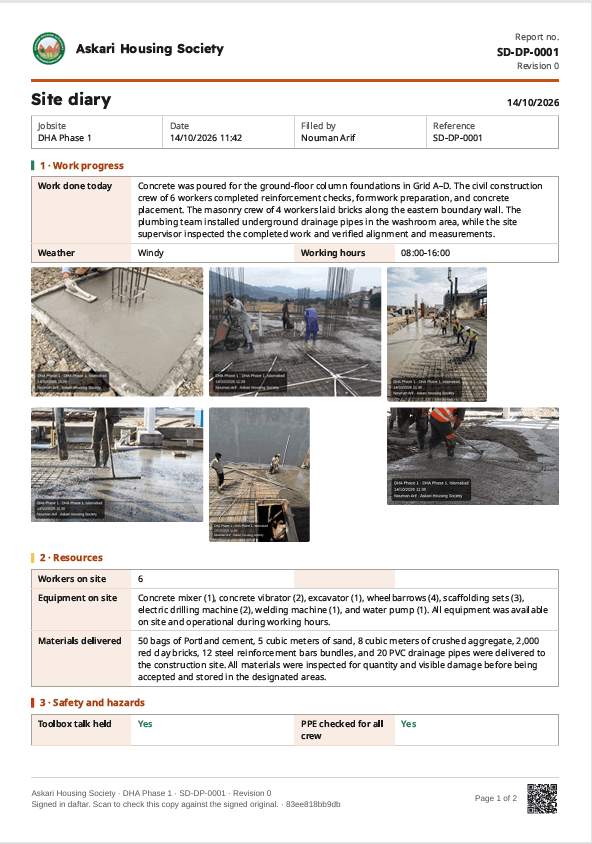
Set it once
Choose the destination and the file format. daftar sends every new report automatically.
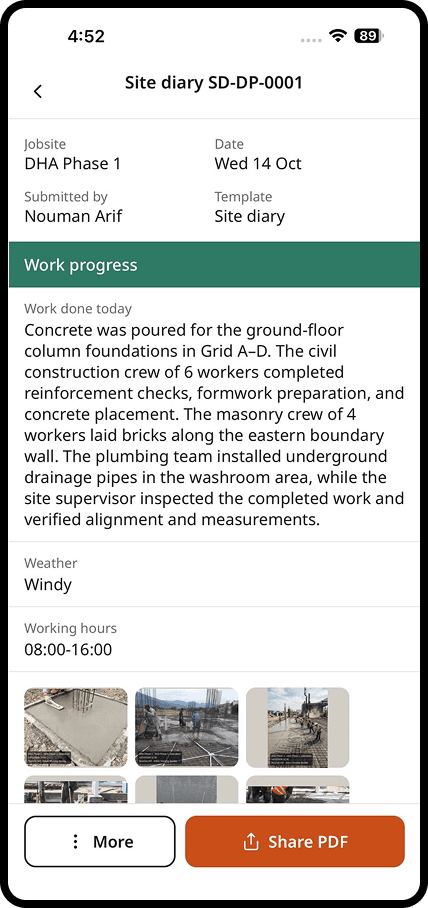
Share outside daftar
Send a PDF or photo pack by email or messaging app to people who are not on daftar.
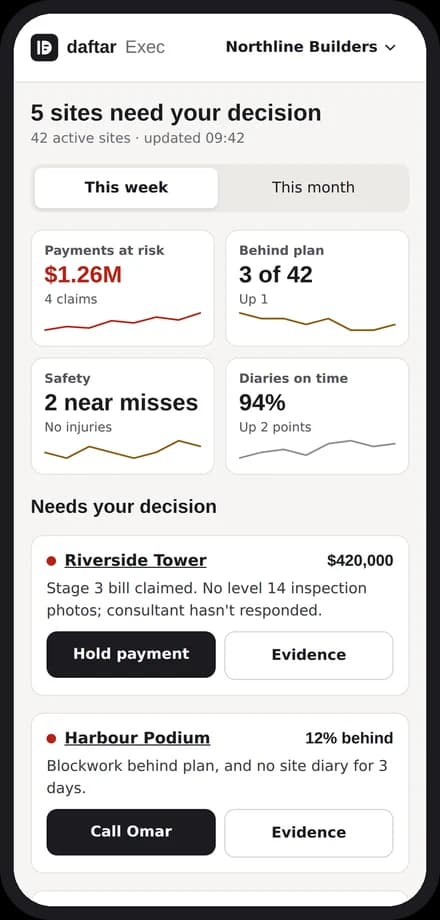
Keep your systems in sync
Use the API to send site data to the systems your company already runs.
In detail
What you get with integrations
Export to PDF, Word and Excel
Every report can be exported in the format your office or client asks for.
Send to your company storage
Signed reports and photos can be copied to your company's cloud storage automatically.
Share by email or messaging apps
Send a report or a photo pack to anyone, even if they do not use daftar.
An API for your own systems
Connect daftar to your ERP or project tools to keep data in sync.
Explore
Discover the 7 tools

Getting started
We set you up on your first site
Our team helps you create your sites, invite your people and set up your report forms. After that, we are one message away.
Bring the site and the office back together
Apps for iPhone and Android, and a web dashboard for the office.